ebook-scraper
eBook Scraper
A modern browser extension to help you create PDFs from ebooks hosted on supported academic platforms.
Supported Platforms
- JStor
- Ebook Central by ProQuest
Supported Browsers
- Chrome
- Firefox
This extension likely works on most Chromium and Firefox based browsers, though it’s only been tested on those above

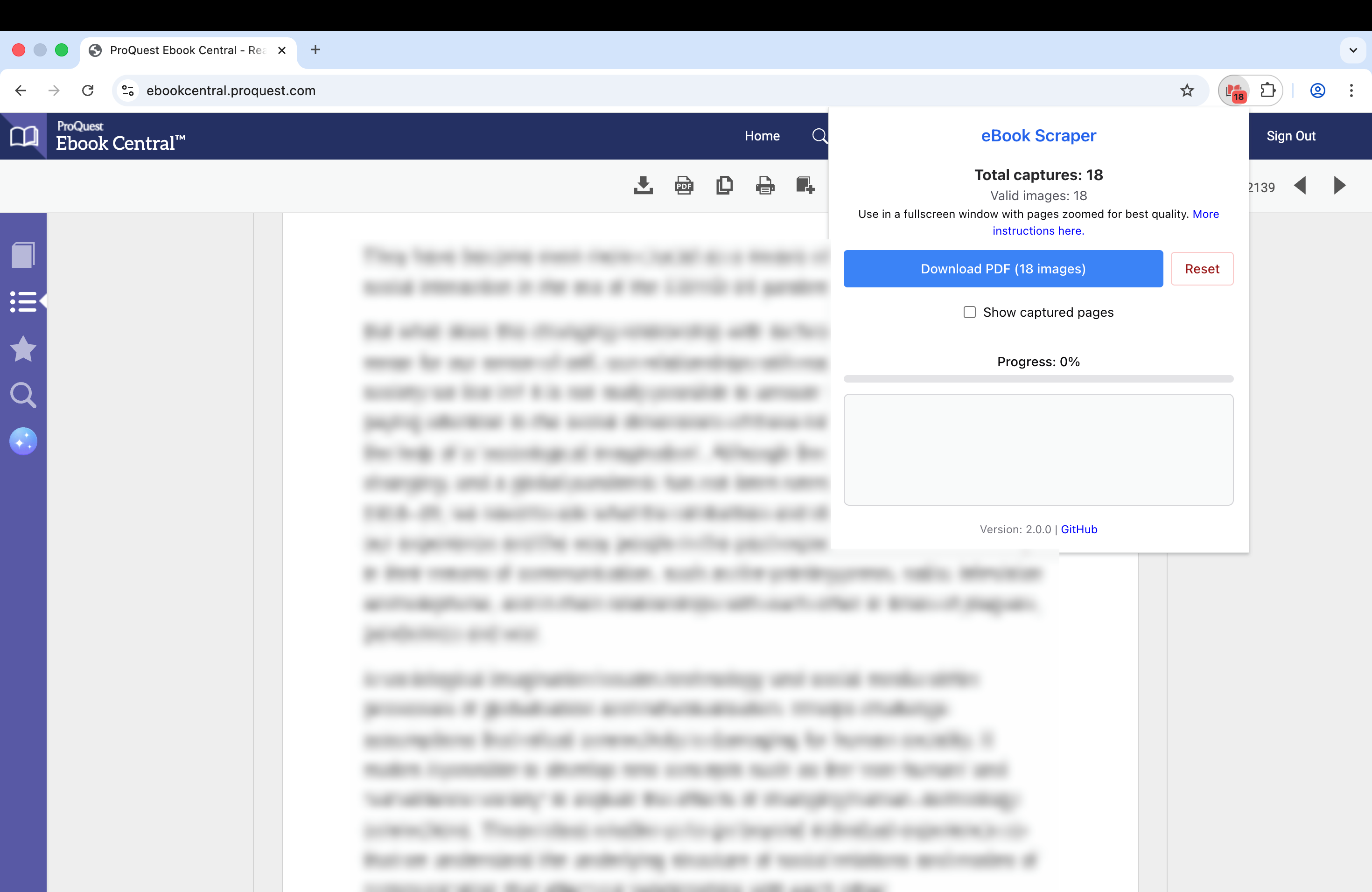
Usage
- Navigate to a supported ebook platform (ProQuest, JStor).
- Open an ebook you want to scrape.
- Click through each page as they load to capture images.
- Click the eBook Scraper extension icon in your toolbar.
- Use the popup interface to save pages and compile your PDF. Enabling OCR will make the text in the PDF selectable, allowing you to copy and highlight it, though it may increase processing time.
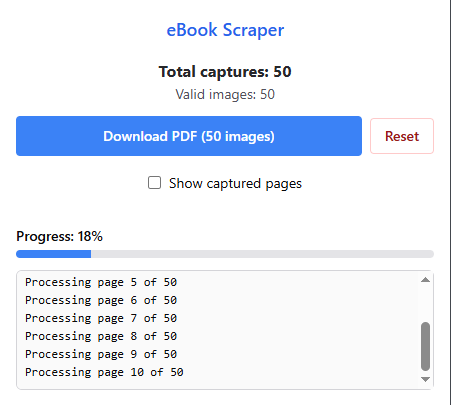
Note: Attempting to save very large ebooks may max out your computer’s RAM and cause the browser to crash. Consider saving large ebooks in seperate blocks and collate later.
Developer Instructions
Prerequisites
- Node.js (v18.0 or higher).
Prepare the Local Environment
- Clone the repository and install dependencies ```bash git clone https://github.com/janbaykara/ebook-scraper.git cd ebook-scraper npm install npx wxt-prepare
- Launch the extension automatically with hot-reloading ```bash npx wxt #Chrome npx wxt -b firefox #Firefox
- Build files for production ```bash npx wxt build #Chrome npx wxt build -b firefox #Firefox
Acknowledgements
This project is built using the following open-source libraries: