
Annotation Feed
A timeline of your highlights and notes across sources, in chronological order.
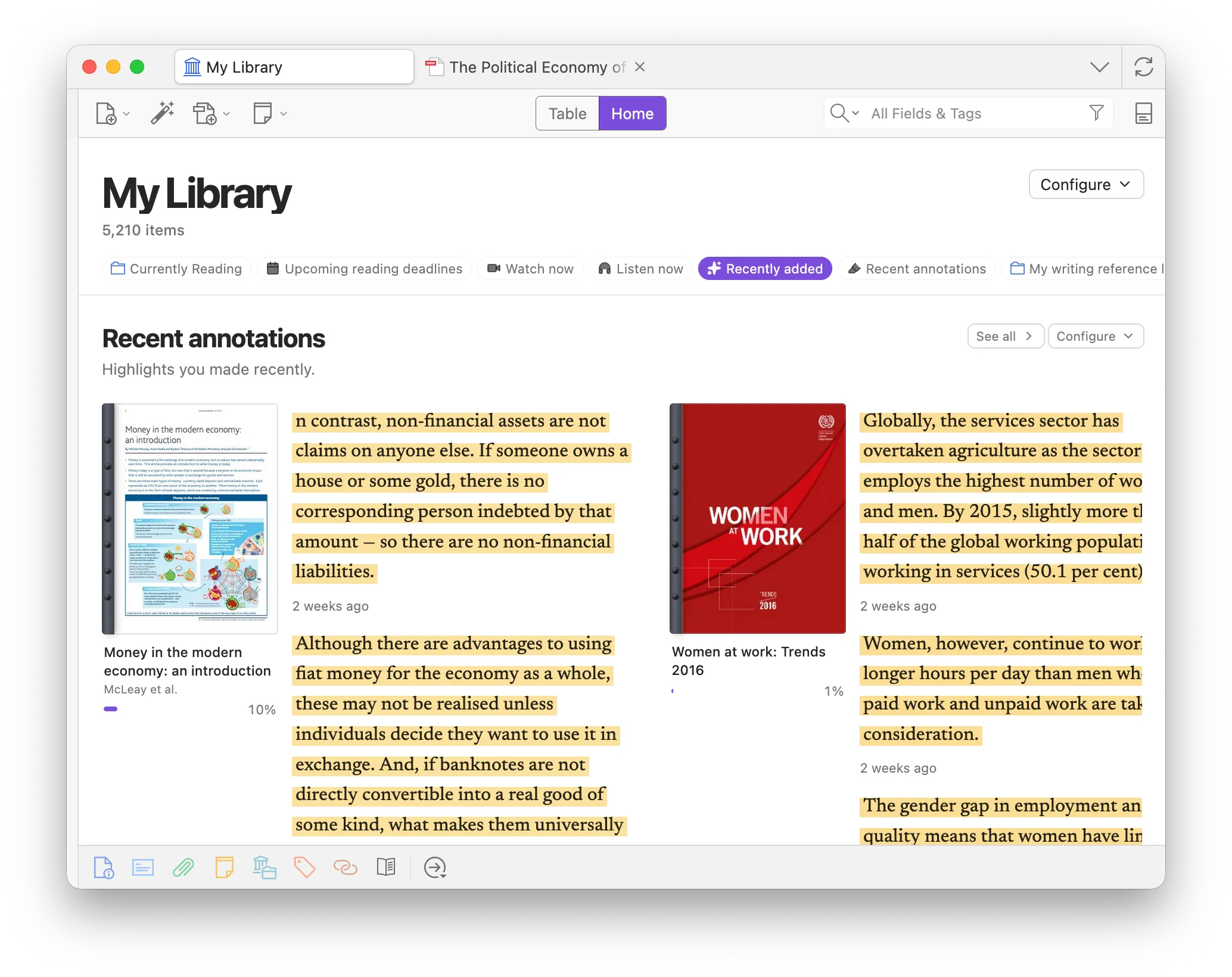
Open the feed
Section titled “Open the feed”- Enable Annotation Feed in Preferences → Zotero Syllabus → Views.
- Open the Annotation Feed tab (toolbar, or Go to Annotation Feed from Home).
Search
Section titled “Search”Use the search icon in the header to find matches across your library. The popover lets you choose:
- Annotations and Full Text
- Annotations Only
- Full Text Only
Annotation hits match quote or comment text; full-text hits show matching paragraphs in the same quote style without a highlight color. Clear the box to return to the full library timeline.
Options
Section titled “Options”Open the options menu to:
- Order — newest last (oldest at the top) or newest first.
- Layout — Vertical (stacked covers with quotes underneath) or Grid (a wall of covers and quotes).
- Copy — when you copy from the feed, optionally prefix Markdown blockquotes (
>) and append Pandoc cite keys ([@…], from Better BibTeX or the item Citation Key field). The same defaults live in Preferences.
Scroll to the older end of the feed (top when newest is last, bottom when newest is first) to load an earlier page automatically — or use Load previous. When you reach the oldest item, a Your first annotation marker appears (or Start of results in search). Click a quote or full-text paragraph to open it in the reader.
Quote order under each item (by location in the document, or by date added) is shared with Gallery Annotations and Home’s recent-annotations shelf.