
Home
At the library root, switch to Home for shelves of what to open next.
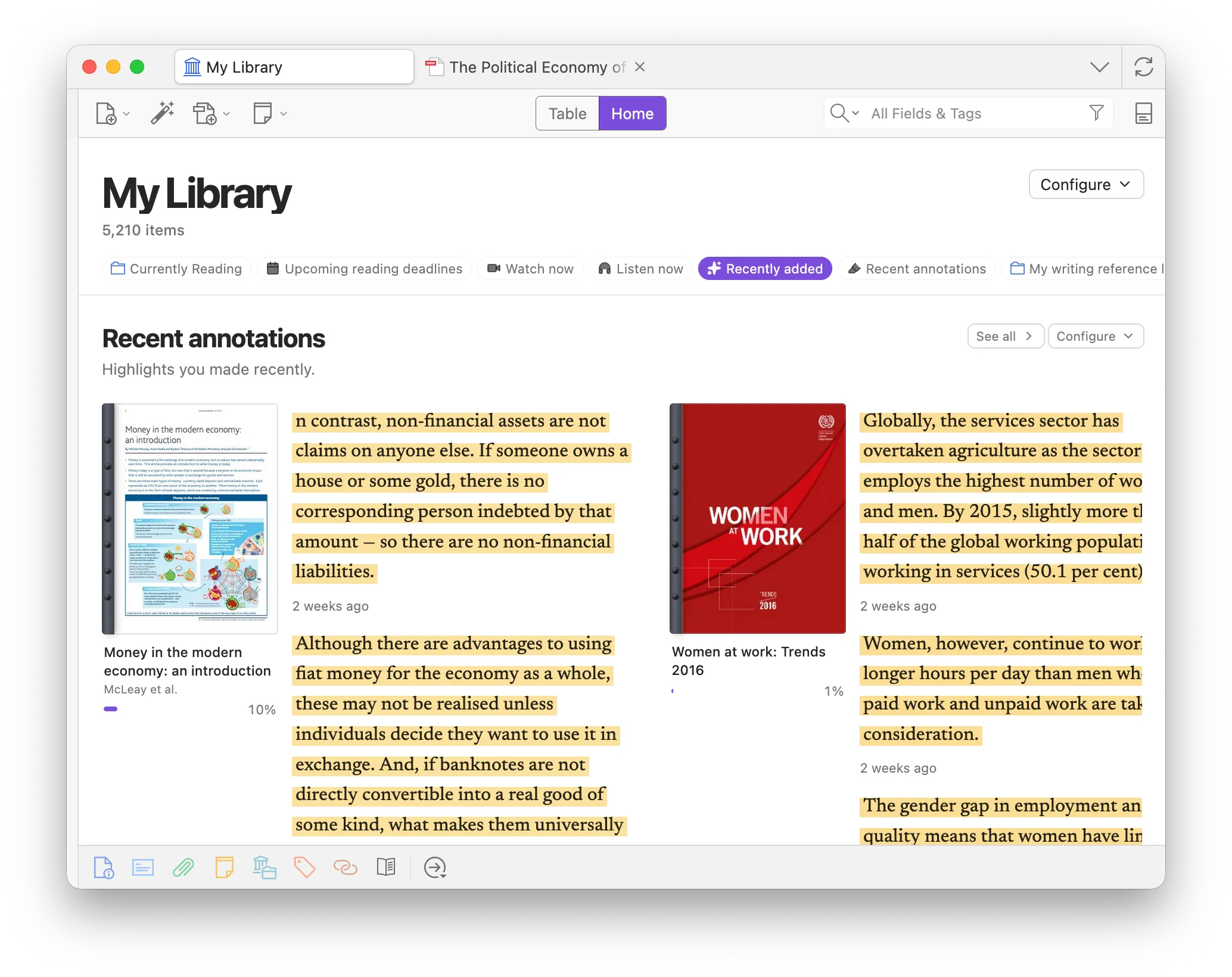
Default shelves
Section titled “Default shelves”- Pinned
- Recently read
- Recent annotations
- Upcoming reading deadlines
- Watch now
- Listen now
- Recently added
You can also add Recent in feed, plus any collection or saved search. Reorder or hide shelves anytime from Configure.
Configure shelves
Section titled “Configure shelves”- Configure (top right) shows, hides, and reorders shelves.
- Right-click any collection in the sidebar → Add to Home to put it on this list (not the same as pinning).
- Each shelf has its own Configure for layout (and sort / group on collection shelves). Remove shelf hides it; turn it back on from Home Configure.
- Go to Reading Schedule and Go to Annotation Feed jump to those tabs from the matching shelves.