
Researcher: shelves and feed
You do not need a university “syllabus” to benefit from the plugin. Treat collections as reading projects and use Home, Gallery, and Annotation Feed as your daily surfaces.
1. Pick a project collection
Section titled “1. Pick a project collection”Create or open a collection for a paper, chapter, or lit review. Switch the items toolbar to Gallery to scan covers and progress at a glance.
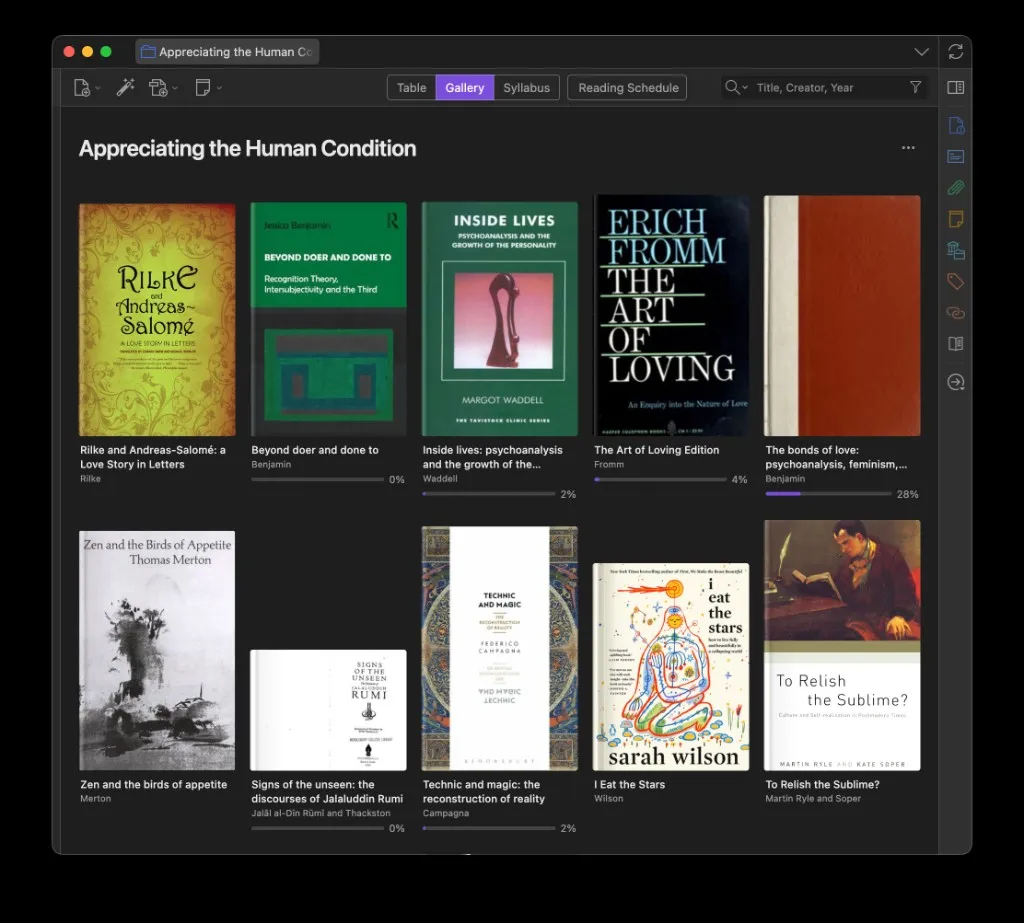
Useful Gallery modes:
- Cover — scan the set visually
- Preview — covers with excerpt blurbs
- Annotations — every highlight under each item
See Gallery.
2. Pin the active stack
Section titled “2. Pin the active stack”Pin the collection and the few items you are mid-way through. They appear on Home → Pinned and at the top of Reading Schedule. Add an intention note on a pin if you want a “why this next” reminder.
3. Order readings your way
Section titled “3. Order readings your way”Personal reading order lets you add items to a collection’s reading order and mark items done without relying on syllabus class structure. Gallery can sort by Personal Reading Order; pinned “next up” stacks respect that order when set.
4. Review highlights in Annotation Feed
Section titled “4. Review highlights in Annotation Feed”Open the Annotation Feed tab for a chronological timeline of quotes and notes across sources. Search annotations or full text from the header. Copy options can prefix Markdown blockquotes and append Pandoc cite keys when Better BibTeX (or a Citation Key field) is available.
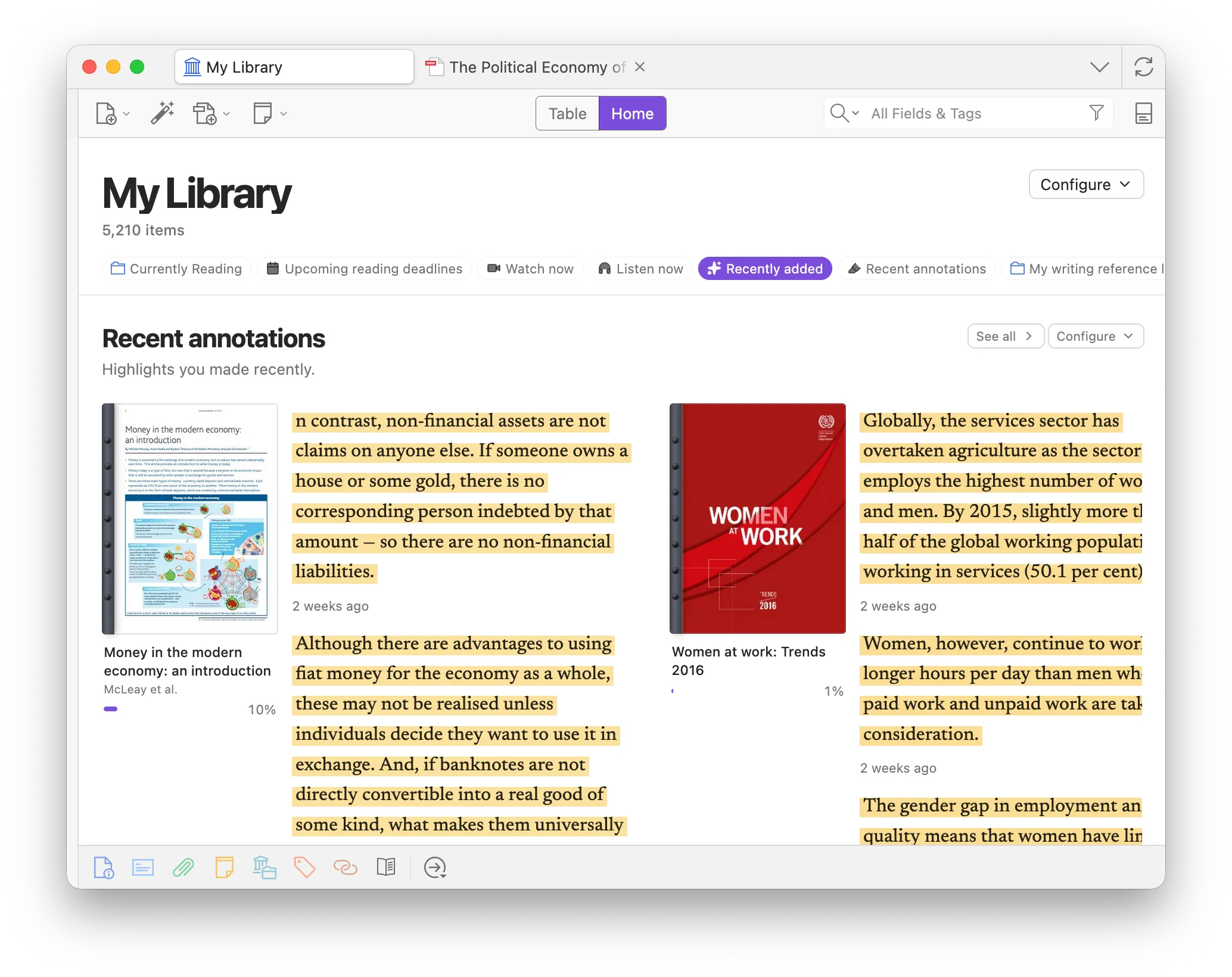
Details: Annotation Feed.
5. Optional: light syllabus structure
Section titled “5. Optional: light syllabus structure”If the project has phases (e.g. theory / methods / cases), turn the collection into a syllabus and use classes as sections — or keep Further reading and rely on Gallery grouping by tags or type instead.
Daily loop
Section titled “Daily loop”- Open Home at the library root.
- Work from Pinned, Recently read, and Recent annotations.
- Drop new finds into the project collection; skim in Gallery (empty collections prompt you to start a reading list).
- End the session in Annotation Feed to recall what you highlighted.